timebuzzer-led
Control timeBuzzer hardware LED via MIDI — colors, effects, and semantic signals.
Control timeBuzzer hardware LED via MIDI — set color, effects (pulse, strobe, rainbow, fade), and semantic status signals. Use when the user asks to change the buzzer LED color, signal status through the buzzer, or sync the buzzer with other lighting.
What it does
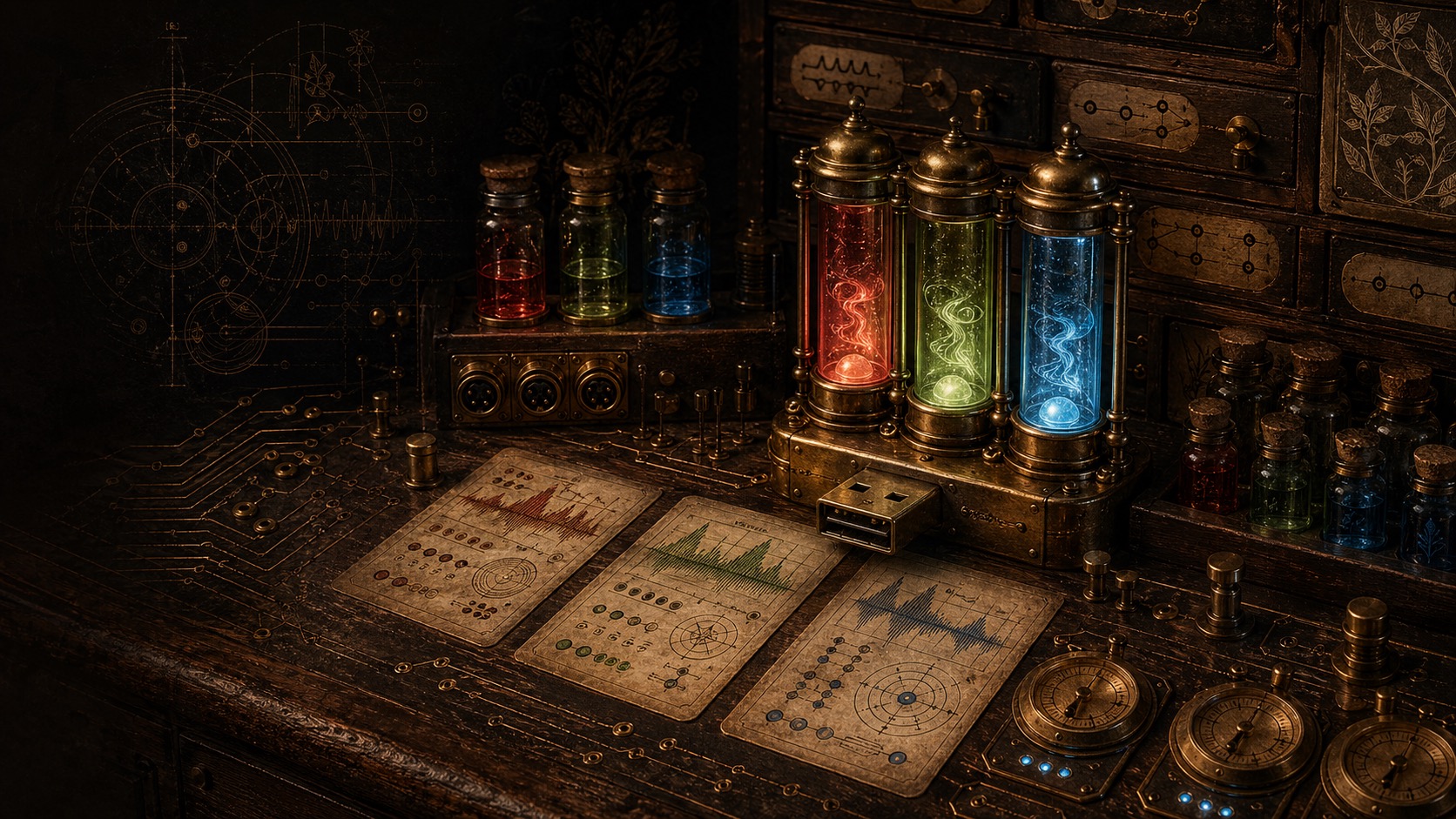
Controls the timeBuzzer desk device LED over USB MIDI. The device has 3 independently addressable RGB segments. This skill sets solid colors, runs timed effects (pulse, strobe, rainbow, fade), and sends semantic status signals — all from the terminal.
Signals
Eight named signals map task states to color + effect combinations:
| Signal | Color | Effect |
|---|---|---|
| success | green | solid |
| error | red | strobe |
| warning | orange | pulse |
| thinking | blue | pulse |
| working | cyan | pulse |
| idle | warm | solid |
| attention | magenta | strobe |
| focus | purple | solid |
Key features
- Named colors — 12 presets (red through warm) plus hex and raw RGB input
- Timed effects — pulse with BPM control, strobe with count/interval, rainbow sweep, fade in/out
- Per-segment control — address each of the 3 LED segments independently for multi-color setups
- Hue pairing — uses the same signal vocabulary as the Hue skill, so desk and room lighting stay in sync
How it works
The timeBuzzer exposes a USB MIDI interface (vendor 0x16D0, product 0x1170). The script sends MIDI CC messages on channel 12 to control RGB values across CC numbers 70–78. Effects are software-driven timing loops over the same protocol. Values are 0–127 (half of standard 0–255 RGB).
When to use
When you want visual desk feedback for build results, deploy status, focus modes, or ambient signaling during long-running tasks. Especially powerful combined with the Hue skill for synchronized room + desk lighting.